How To Manage Or Cancel Your Taiwan Merch Subscription
Think canceling a subscription is a headache? I used to feel the same, but Taiwan Merch keeps it simple and fast, like a cool sip of bubble tea. You won’t get stuck in a maze, you know?
Just sign in at taiwanmerch.co or open the app. Tap Account Settings and you’ll see Pause, Change Plan, Payment, Shipping, and Cancel options right where you expect them. Picking an option is like choosing a bubble tea flavor , pick the base, then the add-ins.
This short guide walks you through the exact clicks and taps to pause, switch plans, update payment, or start the cancel process. It also shows a few quick fixes if totals or numbers look off, like wrong shipping or expired cards. Easy, clear, no fuss.
How To Manage Or Cancel Your Taiwan Merch Subscription

Want to pause, change, or cancel your Taiwan Merch subscription? Easy. Sign in at taiwanmerch.co or open the Taiwan Merch app and log in with your email and password.
On desktop, click Sign In at the top-right. On mobile, the app brings you straight to a login screen. Once you’re in, go to your account settings to find everything about your subscription.
- Visit taiwanmerch.co and select Sign In
- Open My Account and choose Subscriptions
- Check plan name, next billing date, and price
- Click the settings icon next to your plan to manage it
- Switch to the mobile app if you want to do this on the go
- Make sure details match on both platforms
In Subscriptions you’ll see all the key stuff: plan name, billing frequency, price, next shipment date, shipping address, payment method, and any active loyalty perks. Think of it like checking your order before it ships, so you don’t get surprised.
That settings icon is where the real work happens. Tap or click it to pause your plan, change to a different plan, update payment or shipping, or start the cancel flow if you’re ready to stop.
If you’re using the app, it mirrors the website. Tap the Subscription tab at the bottom, pick the plan, then use the settings menu to edit payment or shipping. Desktop gives you a wider view, which is handy for comparing billing dates and prices side by side.
Don’t panic if numbers flicker or look different for a moment. The web and app sync in real time, so changes usually refresh within seconds. If something still looks off, sign out and sign back in or wait a minute; that usually fixes it and lets you confidently see the same Taiwan Merch subscription details on both devices.
Updating Payment Methods and Subscription Plans on Taiwan Merch
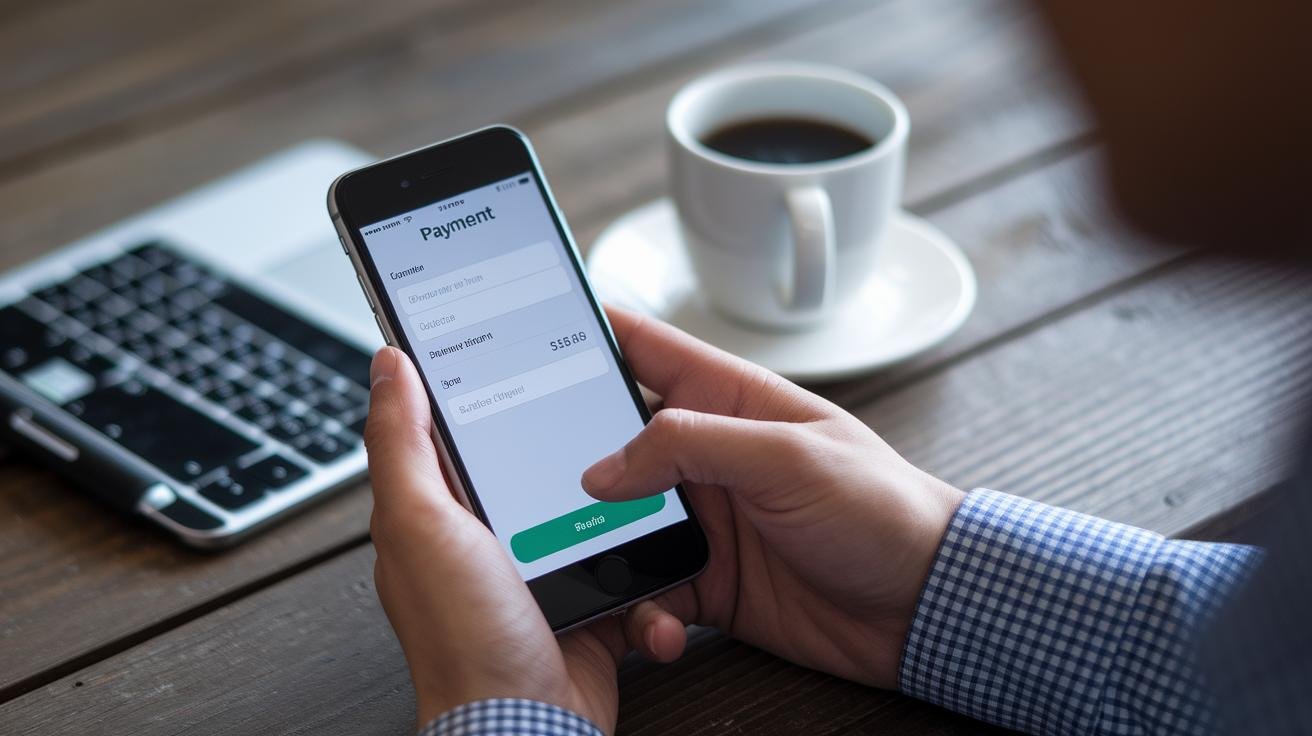
Open the Plan Controls on your Subscriptions page. It’s the little settings icon you tap or click next to your active plan. It puts billing, shipping, and plan options all in one spot, so you can change what you pay and how often your goodies arrive without hunting through menus, kind of like picking a bubble tea topping, quick and simple.
- Select Edit Payment Method from the Plan Controls menu.
- Enter new card details or sign in to link your PayPal account, then save.
- Choose Upgrade or Downgrade under Plan Tier to change item counts or perks.
- Add any promotional code at checkout or in the promo field before you confirm.
- Save your changes, then check the price preview and the next billing date shown on screen.
| Option | Description | Steps |
|---|---|---|
| Change Payment | Replace card or link PayPal | Step 1–2 |
| Upgrade Plan | More items or extras per shipment | Step 3 |
| Downgrade Plan | Fewer items per shipment | Step 3 |
| Skip Shipment | Hold your next delivery | Step 5 |
After you save, take a quick look at your account overview to confirm the new billing cycle, updated price, and next shipment date. If the numbers look a little off at first, log out and back in or wait a minute , the site and app usually sync fast and you’ll see the final totals.
Step-by-Step Guide to Canceling or Pausing Your Taiwan Merch Subscription

Pause stops billing and shipments until you come back. Think of it like folding a favorite hoodie into the closet for a bit.
Cancel turns off auto-renewal, but your plan stays active through the period you already paid for. Taiwan Merch will send a "Subscription Canceled" confirmation email when cancellation goes through, check that message for the final access date (example: "Subscription Canceled: your access ends on July 12, 2026").
- Sign in on the website or in the app.
- Open My Account, or tap Subscriptions in the app, and pick the plan you want to change.
- Tap the settings or gear icon next to that plan.
- Choose Pause or Cancel and follow the on-screen prompts to confirm.
- Watch for the confirmation email and note the final access date if you canceled.
- To resume service: open Subscriptions and tap Resume, or follow the how to join Taiwan Merch subscribe and save guide for reactivation: https://taiwanmerch.co/?p=1862
Quick troubleshooting tips
If the change doesn't show up right away, give it a few minutes to sync, then sign out and sign back in.
Still not fixed? Try the other platform, web vs app, and make sure you're signed into the same account.
If that doesn't do it, contact support and include the email tied to your account so they can check things faster.
Got questions or feeling stuck? Send a note to support and they'll help you through it, you're not alone.
Confirming Cancellations and Navigating Refunds with Taiwan Merch

After you cancel, check your inbox and the spam folder for the confirmation email. It usually shows when your plan ends and whether a refund is coming. If you don’t see it within a day, sign into your account and check the cancellation status there.
Have you ever stared at your email waiting for a ping? Same. If nothing shows up, logging in usually clears it up.
- Eligibility window: cancel before the shipment cutoff to qualify for a prorated refund. If you miss the cutoff, you may be charged or shipped for the next cycle, so watch that deadline on your subscription page.
- Prorated refund calculation: you’ll get credit for the unused portion of the billing period, counted from the date your cancellation takes effect. Think of it like splitting a bubble tea, you pay for what you’ve used, and get credit for the rest.
- Standard refund timeframe: refunds go back to the original payment method. Most refunds post within 5–7 business days; prorated refunds can take up to 14 days to process.
- Cutoff impact on next billing cycle: missing the cutoff usually means you’ll be billed or shipped in the next cycle, so double-check the cutoff time shown on your subscription page.
- Contact for refund issues: if a refund doesn’t arrive or the amount looks wrong, email support@taiwanmerch.co. Include the email on your account, your order or subscription ID, and screenshots if you can , that helps us fix things faster.
Full policy details and exact timing are listed in Taiwan Merch’s Terms of Service.
Support Resources and Additional Tips for Taiwan Merch Subscription Management

Need help with your subscription? No worries. Taiwan Merch has 24/7 live chat tucked in the website footer, email support at support@taiwanmerch.co, phone support from 9 AM to 6 PM at (123) 456-7890, plus a detailed FAQ. They usually reply within about two hours, which is handy when you’re waiting on billing or shipping updates.
For a quick shortcut to FAQs and perks, check the benefits of Taiwan Merch subscription program.
- Live Chat: Access via website footer , 24/7
- Support Email: support@taiwanmerch.co
- Phone Support: (123) 456-7890 (9 AM–6 PM)
- FAQ Page: Link to common subscription questions
Quick tips to keep things smooth:
- Review your subscription settings monthly. Think of it like topping off your favorite bubble tea, easy and satisfying.
- Turn on notifications for billing alerts so you don’t miss a payment.
- Keep your payment info current; expired cards are the most common hiccup.
When you reach out, include the email on your account and any order or subscription ID so they can help faster. If a reply takes longer than two hours, ping the live chat again or add screenshots. They’re usually quick and helpful, and it saves you a lot of back-and-forth.
Final Words
You sign into taiwanmerch.co or the Taiwan Merch app, open My Account > Subscriptions, and check plan name, billing, next shipment, price, address, and payment method.
Edit payment, change plan tier, skip a shipment, pause billing, or cancel, either on the website or in the mobile app. The screens sync in real time so changes show up fast.
Look for the cancellation email and refund info, and contact live chat or support@taiwanmerch.co if you need help.
If you need steps on how to manage or cancel your Taiwan Merch subscription, use this guide and you’ll be ready to support local makers or take a short break , all smooth and simple.
FAQ
How to manage or cancel your Taiwan Merch subscription (Reddit, online, Amazon, free)?
Sign in at taiwanmerch.co or the app, open My Account > Subscriptions, then pause or cancel. Amazon purchases are managed through Amazon’s Manage Subscriptions. Reddit only provides community tips and cannot manage official subscriptions.
How do I terminate my subscription, cancel a subscription that won’t cancel, stop subscription payments, or cancel on Instantly?
Turn off auto-renew on your Subscriptions page to terminate a subscription. If it won’t cancel, contact live chat or support@taiwanmerch.co, cancel via your bank or app store, or use Instantly’s app settings to stop the subscription there.
How to change App Store region on iPhone?
Open Settings, tap your name, choose Media & Purchases, tap View Account, then Country/Region and follow the prompts. Note that changing regions can stop or affect subscriptions and they may need reactivation.
How do I cancel a Roblox subscription, check Roblox subscription status, or manage a Roblox gamepass?
Manage and cancel Roblox subscriptions in your Roblox account under Billing or Purchase History. Subscriptions recur automatically; gamepasses are one-time purchases managed on the specific game’s page.
How can I stop subscription payments immediately if charges keep coming?
Disable auto-renew in your account and contact Taiwan Merch support. If charges continue, block the card or ask your bank to stop future payments or dispute recurring charges.

Grab a Free Taiwan Sticker!
Drop your email and we’ll send you a limited-edition Taiwan sticker — plus insider access to new merch drops and island vibes.
No spam. Unsubscribe anytime.