Subscribe And Save Maximizes Easy Recurring Discounts
Want your coffee to arrive smelling like the first breath of a morning at your favorite tea shop, on time and for less money?
Picture steam curling off the cup, the shop bell dinging, and your mug warming your hands, no last-minute runs to the store.
Subscribe & Save does the heavy lifting.
It auto-reorders everyday staples, gives you up to 15% off, includes free Prime shipping, and lets you pick how often you get deliveries or cancel when plans change. Easy to tweak, easy to pause.
Really. It’s a breeze to set up, and you’ll stop guessing when stuff will run out.
No more frantic searches for coffee filters or a sad, empty jar of laundry soap.
This little guide shows simple tricks to stack discounts, sync shipments so everything arrives together, and keep the things you use most coming without thinking.
Think of picking a delivery schedule like choosing a bubble tea flavor, start with the base, then add the extras you want.
Stick around and I’ll walk you through the best moves to save more and never be caught without your morning cup, you know?
Subscribe And Save Maximizes Easy Recurring Discounts
Subscribe & Save is Amazon’s automatic reorder service for everyday stuff you buy a lot of , household items, groceries, personal care, pet supplies, you name it. You pick the delivery schedule and Amazon sends it on time. You’ll save up to 15% and get free Prime shipping on those orders, with no long-term commitment. If you’re not a Prime member, you might see a $6.99 fee on your first order. Amazon also sends reminder emails about three days before each shipment so you can cancel or change things.
It’s perfect for things you don’t want to run out of. Like coffee that smells like morning at your favorite tea shop, or laundry detergent right when you need it. Want more detail about how this works with our store? See what is taiwan merch subscribe and save.
Signing up is simple. Log into Amazon, find a product labeled Subscribe & Save, pick the quantity and a delivery interval (every two weeks up to six months), confirm the discounted price, and hit Subscribe. Each product can have its own delivery schedule, and you can skip, pause, or cancel anytime before it ships.
Reminder emails show up three days before shipping, so you’ve got time to tweak orders. You can also combine different items to reach the five-item discount threshold and get the biggest recurring savings. For how discounts scale, jump to Discount Levels and Savings Structure in Subscribe and Save and for what qualifies, check Eligible Products and Delivery Frequency Options in Subscribe and Save.
How to Set Up Subscribe and Save for Recurring Orders
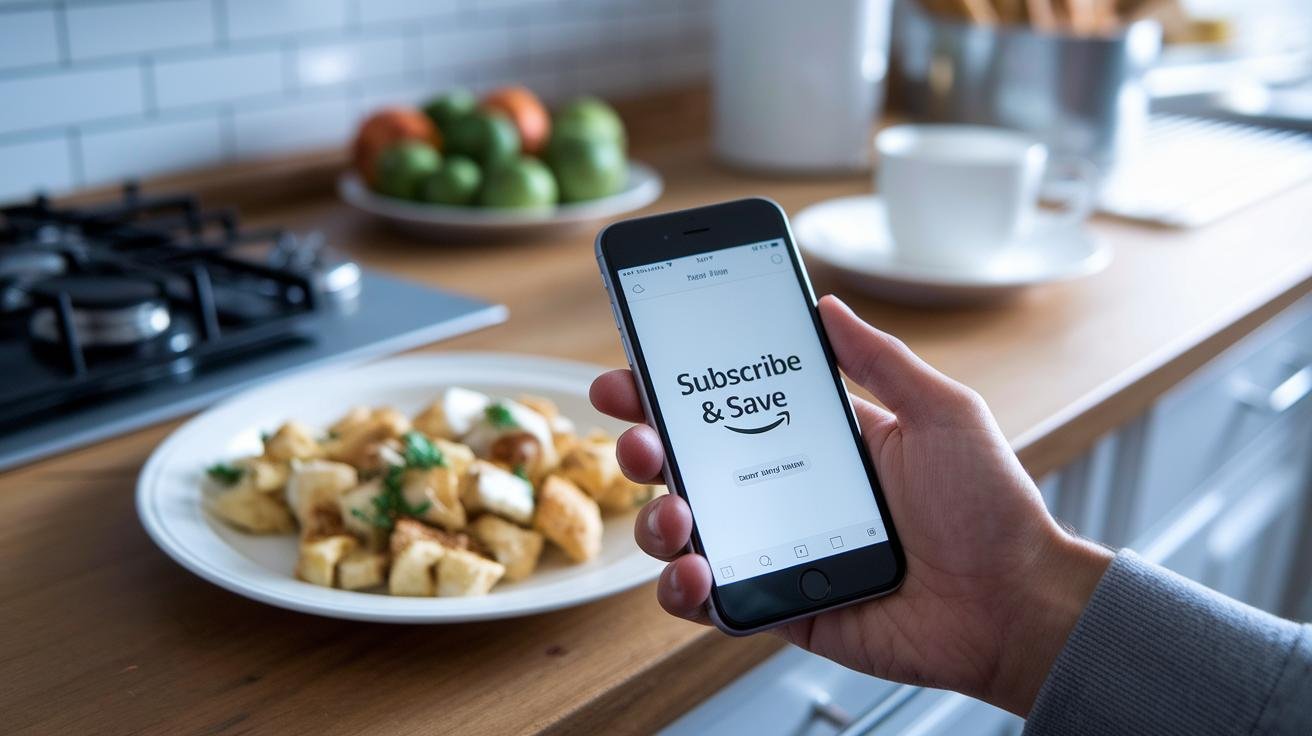
Want your favorite items to show up automatically, like clockwork? Sign in to your Amazon account, find the product you want, and choose the Subscribe & Save option just below the one-time buy button. Tap that and you’ll start a recurring order. Easy, right?
Some listings also have a clip-able coupon for the first shipment, so look for that before you confirm the price.
How to set up:
- Sign in to Amazon.
- On the product page, pick Subscribe & Save under the one-time buy button.
- Choose subscription instead of one-time, set the quantity, and pick how often you want deliveries.
- Clip any first-shipment coupon if available, then review the future price you'll be charged.
- Click Subscribe. You’ll get reminder emails so you can skip a delivery, change the date, or cancel whenever you need.
Need more on delivery timing and options? Check the earlier guide in this article.
Discount Levels and Savings Structure in Subscribe and Save
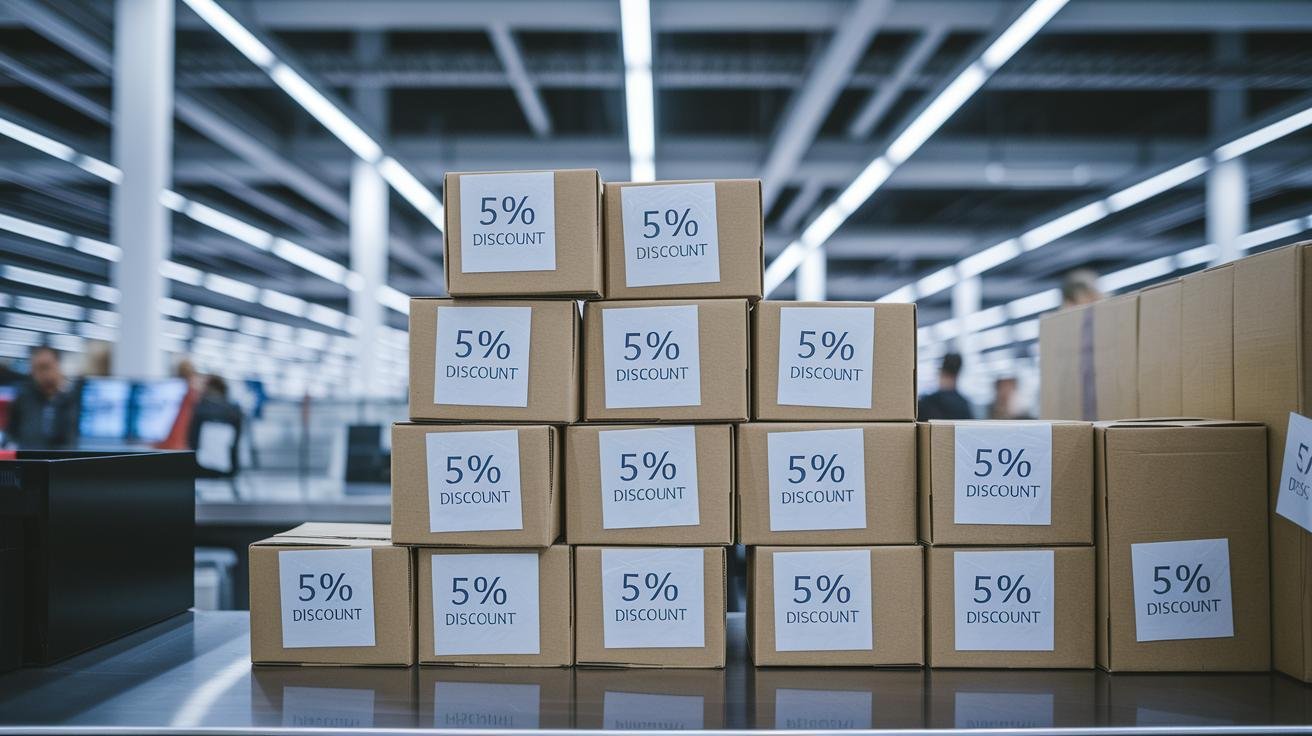
The Subscribe & Save discount for auto-refill (recurring delivery) items starts at 5% when you have 1-4 different products in the same delivery. Keep in mind auto-refill means the item ships on a regular schedule without reordering.
Hit five or more different items in one delivery and your discount can climb up to 15% across the order. That’s the main way Subscribe & Save boosts your savings, group more different things together and you’ll stack more off the total.
Some products don’t qualify for the full 15%. A few items only get 5% even after you reach five different products, and some show no discount unless you meet specific rules. It’s a mixed bag, so check each product’s discount note before you assume it’s included.
Also, exclusive subscriber coupons or one-time promo codes often apply only to the first shipment. After that, future deliveries usually charge the current selling price without that first-order coupon. Subscriber-only promos do pop up sometimes, but they’re usually short-term deals rather than permanent rates.
One important detail: buying multiple quantities of the same product doesn’t count toward the five-item discount , they have to be different items. A common trick is adding low-cost fillers under $5 to reach five different items and unlock the bigger discount. It’s like tossing a little snack into your night market haul to hit the freebie threshold, you know?
Quick tips:
- Mix different items to reach five and aim for that 15%.
- Double-check product pages for items marked as limited or non-eligible.
- Watch whether promo codes are one-time-only, usually for the first delivery.
| Items Subscribed | Discount Rate |
|---|---|
| 1-4 different items | 5% |
| 5 + different items | Up to 15% |
| Non-eligible products | 0-5% |
Eligible Products and Delivery Frequency Options in Subscribe and Save
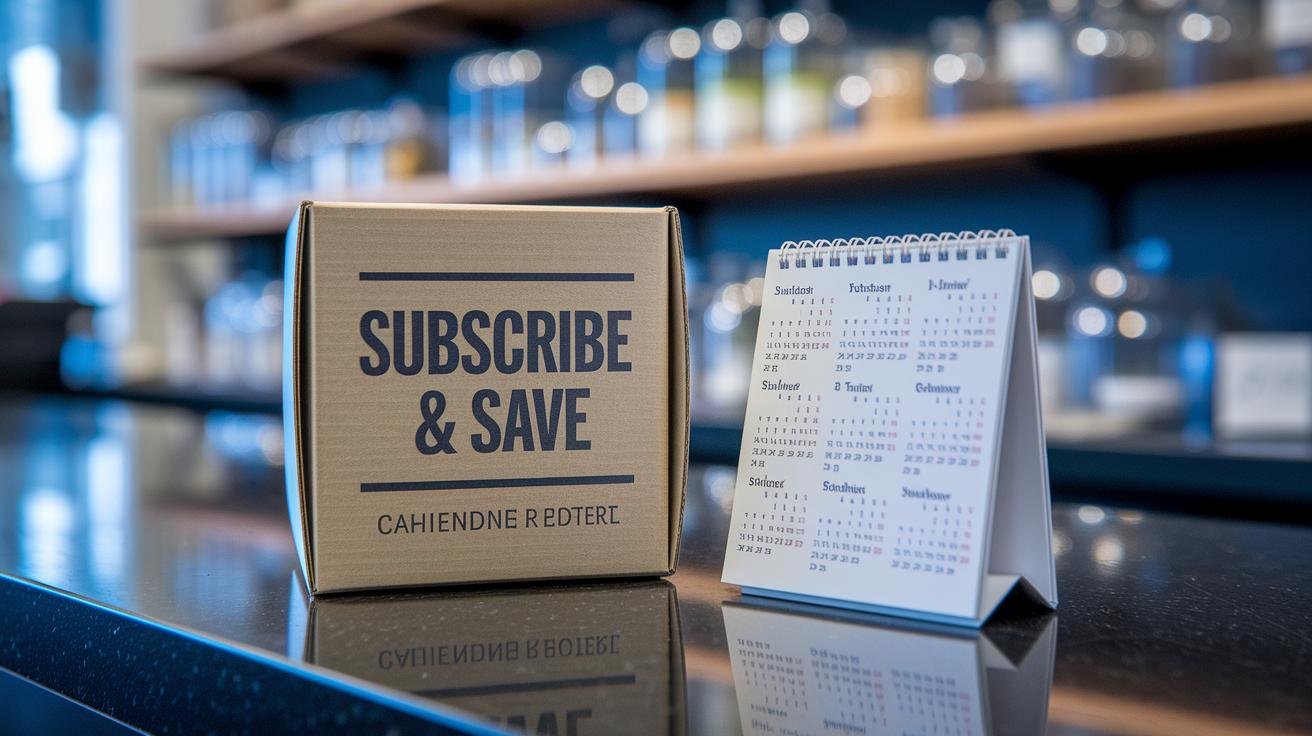
Eligible items show a Subscribe & Save label on the product page. They’re the everyday things that run out before you know it.
Common Subscribe & Save items include paper towels, diapers, vitamins, pet food, coffee pods, and cleaning wipes. Have you ever run out of coffee mid-morning? Yeah, me too.
You pick delivery frequency from every two weeks up to every six months. Each product can have its own schedule, so your coffee that smells like morning at your favorite café arrives when you need it.
You’ll get a three-day reminder email before a shipment, so you can skip it, reschedule, or cancel.
If you want a quick example line to use: "Common Subscribe & Save items include paper towels, diapers, vitamins, pet food, coffee pods, and cleaning wipes."
Managing, Skipping, and Canceling Your Subscribe and Save Orders
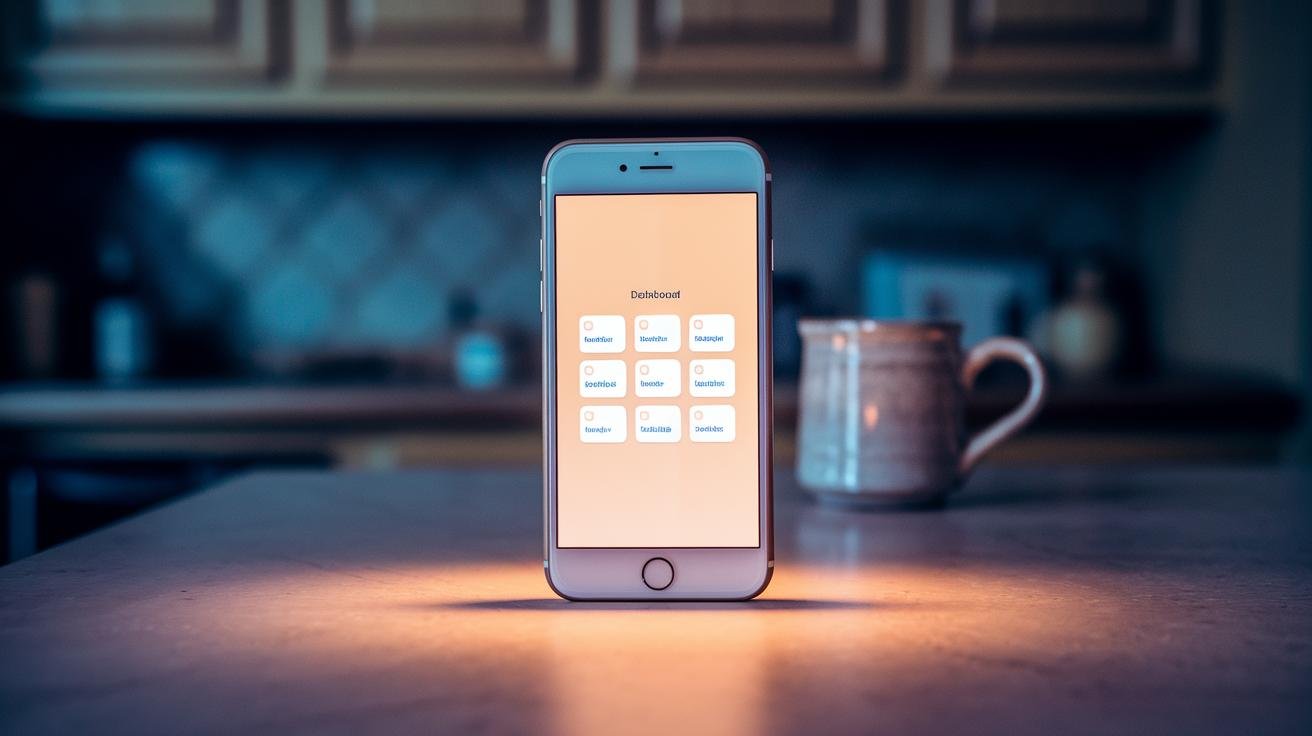
Skipping or Pausing Shipments
You can skip a single delivery or pause a subscription right from your Subscribe & Save dashboard. Tap the item, pick the shipment you want to skip, and confirm. Easy as muting a playlist for a while, you know?
Pause a subscription when you’ve got extra stock or you’ll be away. Set it to resume after a few cycles so your coffee or paper towels come back on schedule without extra clicks. Really simple.
Changing Delivery Dates
Move a delivery earlier or later from the same dashboard. Most changes need at least a week’s notice, and you can usually shift dates up to about six weeks ahead. Pick a date that matches your calendar, maybe the day before payday or when a guest is in town, so packages arrive when you’re home to grab them.
Canceling Subscriptions
You can cancel any subscription before it processes; go to the item and choose Cancel. Amazon might ask why you’re canceling, pick a reason if you want, since that feedback can sometimes trigger offers or better pricing later.
Heads up: update your shipping address manually if you move, because subscriptions won’t switch addresses on their own. And one last thing, prices on future shipments can change, but they won’t go above the total shown in your shipment reminder.
Quick Pro Tips
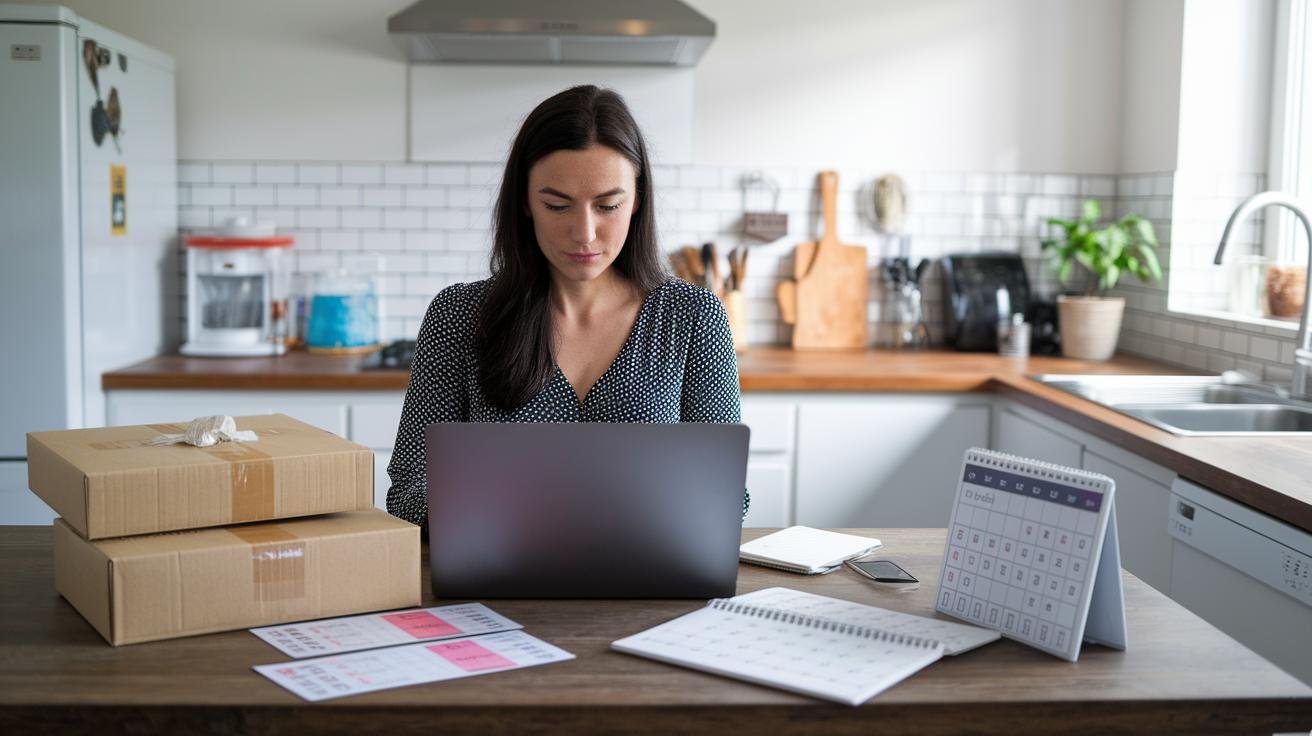
-
How to Set Up Subscribe and Save
Clip digital coupons on the product page before you confirm, because they usually only apply to the first shipment. Update your shipping address during setup if you just moved, so your first box doesn't go to the old place. Do this first, you know, and you’ll avoid a hassle later.
"Clip the $3 off coupon, then hit subscribe." -
Discount Levels and Savings Structure
Most programs bump your discount when you hit a higher item count, so aim for five items to unlock the better rate. If you’re short, toss in a small filler, think a $2 tea sachet or a $3 snack, to nudge you over the line. It’s kind of like adding pearls to your bubble tea to make it worth it.
"Add a $2 snack to hit five items." -
Managing, Skipping, and Canceling
Schedule multiple items to ship on the same date from your dashboard so they count as one delivery and qualify for the higher discount. Keep an eye out for the three-day reminder email, that’s your window to skip or tweak before you get charged. It’s easy to miss, so set a quick calendar note if you’re busy.
"Set both to ship on June 1, then skip one in the reminder." -
Changing Delivery Dates
Move a delivery a little earlier or later to catch a short-term sale on a pricey item. Shift it two days and you might grab a weekend deal or a flash discount, simple timing can save you more than you expect. Try it next time you spot a sale.
"Move the ship date two days forward to catch the weekend deal."
Frequently Asked Questions About Subscribe and Save
-
Who can use Subscribe & Save?
Anyone with an Amazon account can use it. You don't need Prime, you know? If you're not a Prime member, there’s usually a one-time shipping fee on the first box (about $6.99). After that, your subscribed deliveries usually ship free. See Setup for full steps: Setup.
Example: "I signed up without Prime and paid $6.99 for the first box." -
How do I cancel or change a subscription?
You can cancel or edit a subscription any time before the order ships. Amazon sends a reminder about three days before each shipment, so use that notice to skip the delivery, change the quantity, or cancel. It’s easy. See the full walkthrough: Managing/Skipping/Canceling.
Tip: "I skipped the next delivery two days after the reminder." -
What happens if prices change between deliveries?
Prices can go up or down over time, but the total shown in your shipment reminder is the most you’ll be charged for that upcoming delivery. So you won’t get surprised. For more on pricing and discounts, see: Discount Levels.
Example: "My reminder showed $12, and I wasn't charged more than $12." -
I moved. Will my subscriptions go to my new address?
No. Subscriptions don’t update addresses by themselves. You need to update the shipping address for each subscription before the next scheduled shipment. Here’s how: Managing/Skipping/Canceling.
Example: "I updated my subscription address two days before the next box."
Final Words
In the action, you got a quick pitch for Taiwan Merch’s Subscribe & Save, what it does, a fast sign-up walkthrough, how discounts rise with item count, which products qualify, how to manage or cancel, smart saving tips, and FAQs.
Want to try it? Tap the Subscribe & Save button, pick quantity and delivery interval, and confirm. Reminder emails pop up three days before shipment so you can edit orders. It keeps staples coming, can save up to 15% when you bundle items, and helps support local makers, happy shopping with subscribe and save.
FAQ
Frequently Asked Questions
What is a Subscribe & Save subscription?
A Subscribe & Save subscription is Amazon’s recurring delivery service for everyday items you schedule, offering up to 15% off plus free Prime shipping, with no long-term commitment. Learn more at what is taiwan merch subscribe and save.
How much is Subscribe & Save on Amazon?
The Subscribe & Save savings vary: 5% for one to four different items, up to 15% when you subscribe to five or more different items. Non-Prime customers pay a $6.99 first-order fee.
Can I cancel Subscribe & Save immediately?
You can cancel a Subscribe & Save subscription immediately as long as you cancel before the order ships; use the Subscribe & Save dashboard to cancel, skip, or pause deliveries. Reminder emails arrive three days before shipment.
How do I access Subscribe & Save or log in?
You access Subscribe & Save by logging into your Amazon account, tapping the “Subscribe & Save” button on eligible product pages, or managing subscriptions on the Subscriptions page in the app or website.
Why is Subscribe & Save not working?
If Subscribe & Save isn’t working, check that the item shows the Subscribe & Save label, your payment method and address are current, the app is updated, and the product is in stock. Contact Amazon support if the problem continues.
Can Subscribe & Save deliver to multiple addresses?
Subscribe & Save can send different subscriptions to multiple addresses, but each subscription ships to one address at a time. Update each subscription’s shipping address on your dashboard before the reminder.
Is Amazon Prime for seniors $6.99 a month?
A $6.99/month Amazon Prime for seniors isn’t a standard nationwide offer; Prime pricing and senior discounts vary by country and eligibility, so check Amazon’s official pricing and eligibility pages for current details.

Grab a Free Taiwan Sticker!
Drop your email and we’ll send you a limited-edition Taiwan sticker — plus insider access to new merch drops and island vibes.
No spam. Unsubscribe anytime.